GFX Tool is a free utility launcher for specific games where you can fully customize the game graphics to get beautiful pictures and smooth gameplay.
App features
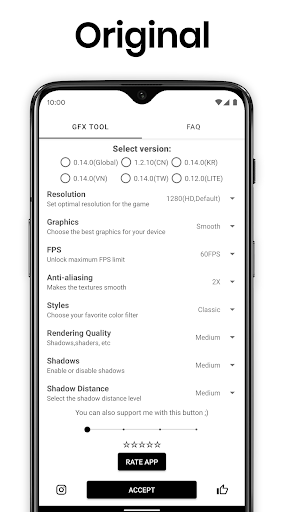
• Change resolution
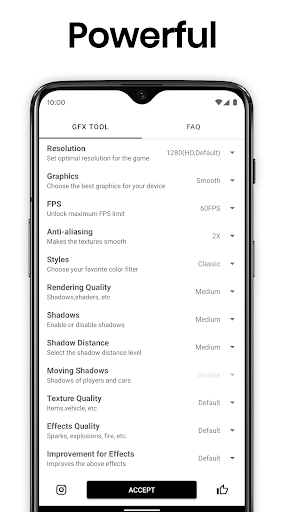
• Unlock HDR graphics and all FPS levels
• Fully control Anti-aliasing and shadows
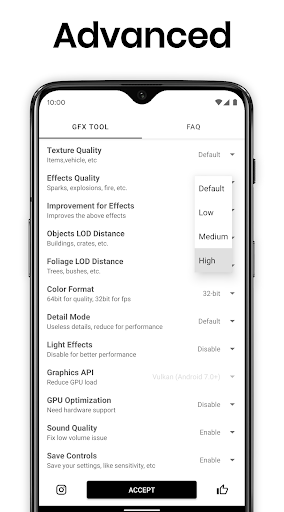
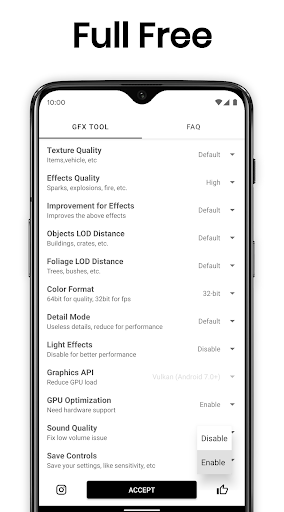
• And much more other useful options
All game versions are supported.
How to use GFX Tool
• Close game if it’s currently running before starting GFX Tool
• Choose your version of your game
• Customize the graphics according to your desires and device capabilities.
• Once everything is set, click on Accept and Run Game
GFX Tool Official Website: https://gfxtool.app/
DISCLAIMER: This is an UNOFFICIAL application for specific games.This application is not associated in any way with other brands and developers.
Whats News of GFX Tool: Launcher & Optimizer
• Added support for Android 14/15
• Minor bug fixes and improvementsIf you feel that we have violated your intellectual property rights or any other agreement, please contact us by e-mail tsoml.v17@gmail.com, we will immediately take the necessary measures.



















There are no comments yet :(